
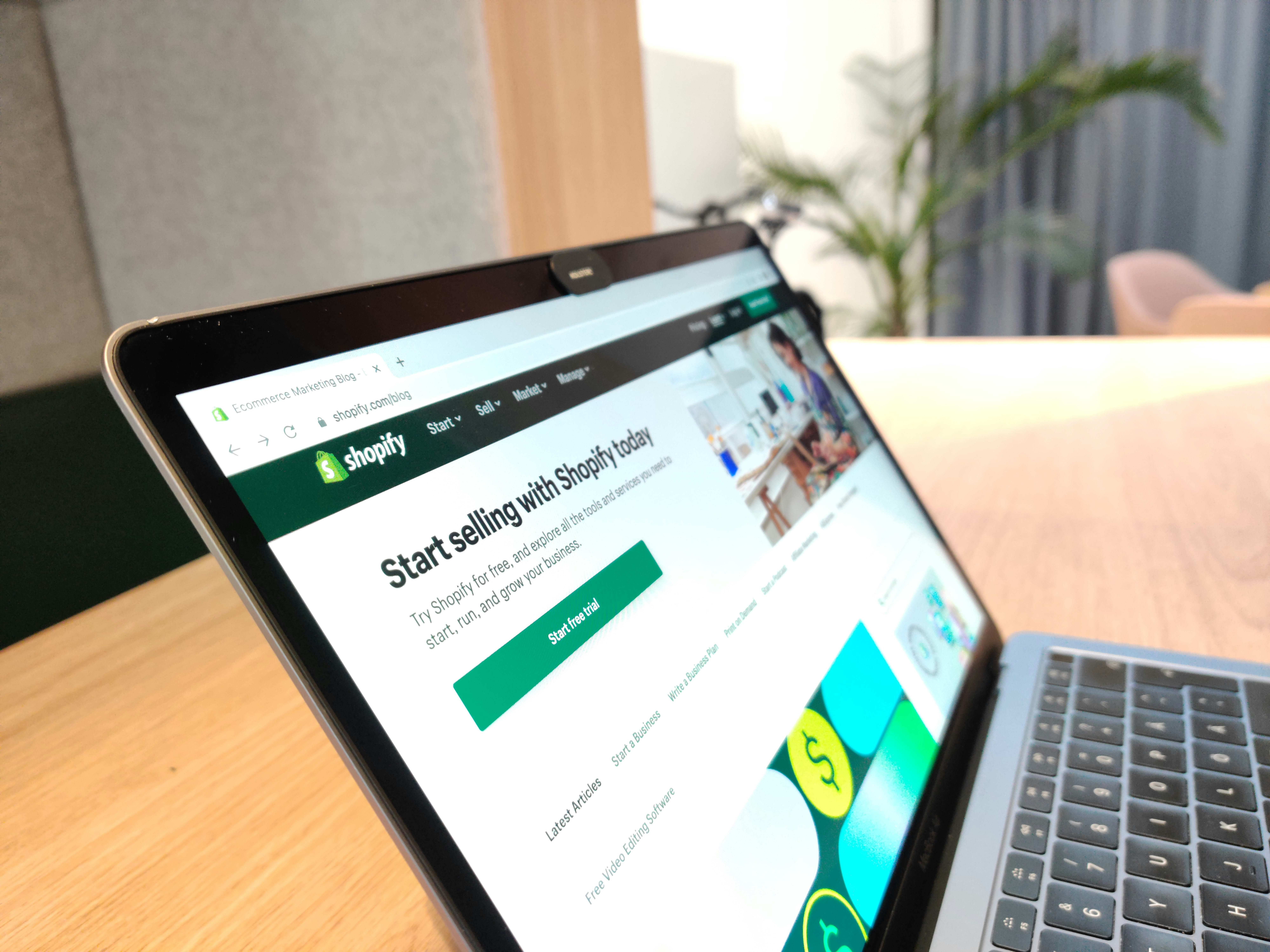
A Shopify store is easier to operate than a custom commerce platform in many ways, but it is not maintenance-free. Products change, apps accumulate, themes are customised, campaigns add scripts, staff permissions grow, and customer expectations continue to rise.
A practical Shopify maintenance checklist focuses on the parts of the store that affect buying: product accuracy, navigation, checkout, payments, apps, theme performance, tracking and support coverage. The aim is not constant redesign. It is to keep the storefront reliable while the business changes around it.
This guide is designed for growing stores that rely on Shopify for daily sales and need a repeatable maintenance rhythm rather than occasional clean-up.
What Shopify maintenance includes?
Shopify handles much of the underlying platform infrastructure, but merchants are still responsible for the store experience they build on top of it.
That includes the active theme, installed apps, product and collection content, navigation, analytics, tracking, promotions, integrations and staff access. Each of these can create friction if it becomes outdated or poorly managed.
If you need the broader business-website framework, our website maintenance checklist covers the same principles across WordPress, Shopify and custom sites.
Weekly: test the buying journey
Place a controlled test order or at least walk through the full buying process every week on an active store.
Check product selection, variants, add-to-cart behaviour, cart updates, discount fields, shipping options, checkout and order confirmation. Test on mobile because a store can behave differently on a smaller screen even when desktop looks perfect.
If the store sells internationally, test the most important market or currency experience as well.
Weekly: review products, stock and promotions
Incorrect product information can create support work and lost sales even when the technology is functioning correctly.
Review high-volume products for pricing, stock status, variant availability, shipping promises and current imagery. Remove expired sale messages and check that promotional banners still match the offer shown at checkout.
If product feeds connect Shopify to marketplaces, advertising platforms or inventory systems, confirm that data is still syncing as expected.
Weekly: check important apps and integrations
Apps can power reviews, subscriptions, loyalty, search, upsells, analytics, shipping and many other functions. The more apps a store uses, the more dependencies it creates.
Review any alerts from critical apps and test the features they provide. If an app controls subscriptions, for example, confirm that customers can manage them. If an app controls delivery estimates, check that the information is accurate.
Do not install or remove apps casually during a busy sales period. Some apps add theme code, scripts or workflow dependencies that need to be reviewed before removal.
Monthly: audit app value and overlap
At least monthly, look at the installed app list and ask what each app is doing for the business.
For every app, record its purpose, cost, owner and whether it affects the theme, checkout, customer data or operational workflows. Look for duplicated functionality such as multiple pop-up tools, analytics scripts or review widgets.
Reducing unnecessary apps can simplify the store and make performance problems easier to diagnose. It can also reduce recurring costs.
A dedicated Shopify app audit is useful when the store has grown quickly or several agencies and staff members have installed tools over time.
Monthly: review theme changes
Shopify themes evolve as the business adds sections, custom code, app blocks and campaign elements.
Keep a known-good theme copy before major customisation. Test significant changes on an unpublished theme before making them live, especially when they affect navigation, product templates or collection pages.
After publishing a change, review the store as a customer. Do not rely only on the theme editor preview.
Monthly: check web performance
Shopify storefront performance can be influenced by apps, theme code, images, video, third-party services and analytics scripts.
Review real store performance and look for changes after app installations, theme updates or new campaign assets. Focus on the homepage, top product pages and important collection pages.
A slow store is not automatically caused by one app. Compare what changed and remove or simplify features only when the evidence supports it.
Monthly: test tracking and analytics
Confirm that analytics and advertising events still fire on the pages and actions that matter. Changes to themes, checkout configuration, apps or consent tools can affect tracking.
Check whether revenue, purchases, add-to-cart events and other key actions are being recorded consistently across platforms.
Do not use raw traffic alone to judge store health. A smaller amount of accurate conversion data is more useful than a large report built on broken tracking.
Monthly: review staff and collaborator access
Remove accounts that no longer need access. Review staff roles and permissions so people can reach the areas they need without unnecessary control over the whole store.
Also check external agency or developer access. Ownership should stay with the business, and recovery details should not depend on one former employee or supplier.
Quarterly: review navigation and collections
As a catalogue grows, navigation can become harder even when the design has not changed.
Review collection structure, menu labels, filters and internal search. Look at what customers search for and whether key product categories are easy to find.
Remove links to empty or obsolete collections. Consolidate duplicate categories where they create confusion.
Quarterly: review content and trust information
Check policies, shipping information, returns, contact details, FAQs, delivery estimates and customer service messages.
These pages influence buying confidence and can become outdated when fulfilment processes or markets change.
For broader commercial context, our article on how eCommerce websites help businesses increase sales explains why convenience, trust and customer experience matter beyond the technical storefront.
Monthly: review search, redirects and broken links
Shopify stores change as products are removed, collections are reorganised and campaign pages are retired. Review broken internal links and any redirects created after product or collection changes. Keep navigation and internal links pointing directly to the current destination rather than relying on old redirect paths.
Check how important collection and product pages appear in search and confirm that key pages have clear titles, descriptions and useful on-page content. Maintenance should protect discoverability without turning every store update into an SEO rewrite.
Quarterly: review customer-service friction
Look at the questions customers ask repeatedly before and after purchase. If support receives the same questions about delivery, returns, sizing, subscriptions or product compatibility, the store may be missing useful information.
Update product pages, policies and FAQs where better content can reduce uncertainty. This is a maintenance task because inaccurate or incomplete information creates operational work even when the technology is functioning correctly.
Quarterly: test recovery and ownership
Shopify manages the core platform, but the business still needs recovery plans for themes, apps, domains, data exports and external systems. Keep a known-good theme copy before major customisation and document who owns key integrations.
Review who controls the domain, payment accounts, analytics and important third-party services. If an app or integration fails, the team should know who can change it and what customer function depends on it.
Review maintenance after every major campaign
A campaign is a useful stress test. After a large sale or product launch, review failed payments, support tickets, slow pages, stock problems, app alerts and manual workarounds. Convert those lessons into the next maintenance cycle rather than treating the incident as finished once traffic returns to normal.
Before major sales: increase the maintenance cadence
Black Friday, Cyber Monday, Christmas, product launches and large paid campaigns deserve a tighter review window.
Test the campaign landing pages, discount logic, product availability, checkout, payment methods, shipping rules, analytics and support process before traffic increases.
Avoid unnecessary theme or app changes immediately before a sale. If a change must happen, test it on a duplicate theme and verify the live result after publishing.
Holiday and weekend coverage
Shopify stores can continue receiving orders while the office is closed. That creates a different support requirement from a normal Monday-to-Friday business website.
Decide who monitors failed payments, checkout issues, stock problems, customer messages and uptime during weekends and holiday periods. Keep access details current and make sure the responsible person can reach Shopify, payment providers and critical apps.
If internal coverage is limited, Shopify support can provide a clearer route for store changes and technical issues without waiting for the next normal working day.
What to document after maintenance?
Keep a simple log of meaningful changes. Record app installs and removals, theme publications, tracking changes, checkout changes and major campaign updates.
This helps the team understand why performance or conversion changed around a particular date. It also reduces dependency on memory when several people work on the same store.
A practical Shopify maintenance schedule
For many growing stores, a useful rhythm is:
- Weekly: checkout, product accuracy, key apps and campaign messages.
- Monthly: app audit, theme review, performance, tracking and staff access.
- Quarterly: navigation, collections, content, policies and integration review.
- Before major sales: discount logic, inventory, checkout, payments, shipping, tracking and support coverage.
- Annually: domains, ownership, billing, major theme decisions and long-term app strategy.
The schedule should be stricter when the store is a primary revenue channel or when order volume changes quickly.
Frequently Asked Questions About Shopify Store Maintenance
Does Shopify need maintenance if Shopify manages the platform?
Yes. Shopify manages the core platform, but merchants still manage themes, apps, content, products, navigation, tracking, permissions and integrations. Those layers require regular review.
How often should Shopify apps be reviewed?
Check critical apps weekly for visible issues and review the full app stack at least monthly or quarterly, depending on store complexity. Remove unnecessary tools only after understanding their data and workflow impact.
Should I duplicate my Shopify theme before changes?
For meaningful theme customisation, keeping a backup copy of the current theme is a sensible precaution. Test changes before publishing when they affect important templates or buying journeys.
What should be checked before a Shopify sale?
Test promotions, product availability, cart, checkout, payment methods, shipping, tracking, mobile experience and the apps involved in the campaign. Confirm who can respond if problems occur outside office hours.
Can Shopify maintenance improve SEO?
Maintenance supports SEO by keeping pages accessible, content accurate, navigation clear and performance healthy. It does not replace keyword research or content strategy, but it prevents avoidable technical and user-experience problems.
Final takeaway
Shopify maintenance is the discipline of keeping the storefront useful as the business grows. Test the buying journey, keep products accurate, control the app stack, monitor performance, protect access and increase support readiness before major sales.
A well-maintained store gives the team fewer surprises and gives customers a more consistent path from product discovery to purchase, including during weekends and holiday periods when normal support may be reduced.