
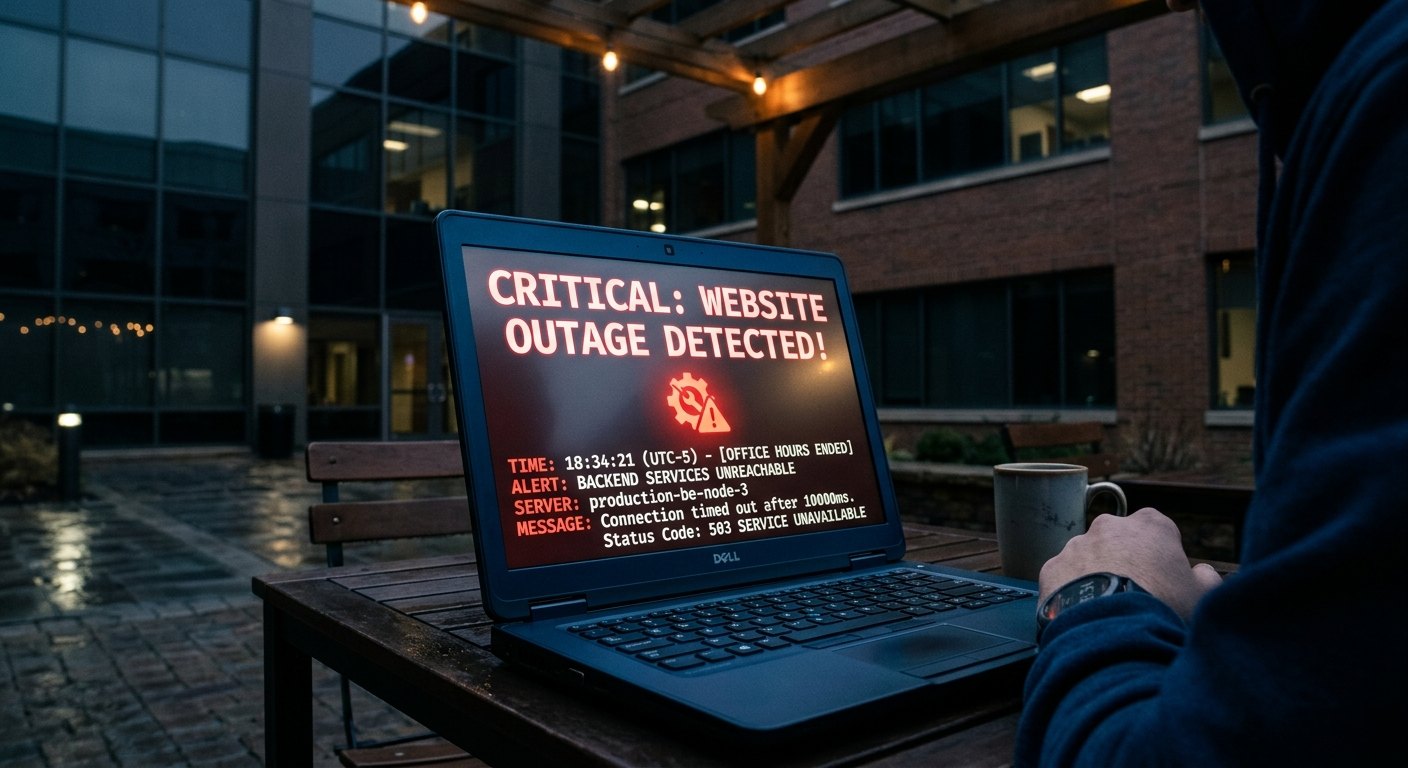
When a business website fails outside office hours, the first few minutes are often wasted on uncertainty. People refresh the page, send screenshots in different chats and start changing settings before anyone has confirmed what is actually broken.
A better response is calm and structured. First confirm the impact. Then protect data and revenue. Then make the smallest safe change that can restore service. If the problem needs specialist access or carries a risk of making things worse, escalate instead of experimenting on the live site.
This response plan is designed for weekends, evenings, public holidays and other periods when the normal website team may be unavailable.
Step 1: Confirm what is actually broken
Do not start with assumptions. Check the site from more than one device or network. Open the homepage and a few important internal pages. If the issue is eCommerce, test a product, cart and checkout page. If it is a lead-generation site, test the contact form.
Ask whether the problem affects:
- The entire website.
- One page or section.
- Logged-in users only.
- Mobile visitors only.
- Checkout or payment only.
- Forms or email notifications only.
- A specific country or network.
This distinction determines who needs to be involved. A full hosting outage is different from a broken form. A payment gateway issue is different from a theme layout problem.
Step 2: Record the symptoms before changing anything
Take screenshots and note the time the issue started. Copy any error message exactly. Record recent changes such as plugin updates, theme edits, DNS changes, app installations, code deployments or hosting work.
Save the information so the person troubleshooting the incident can reproduce the problem and avoid repeating work.
Step 3: Check external status information
If the whole site is unavailable, check the hosting provider and major third-party services before changing the website itself.
For an online store, check payment providers, shipping services and platform status pages where relevant. For a WordPress site, confirm whether the domain and hosting are reachable.
An external outage cannot be fixed by deactivating plugins or editing the theme. Identifying the correct layer early prevents unnecessary changes.
Step 4: Protect the current state
If the website is still partly accessible, avoid making multiple changes at once. Take a backup or confirm a recent recovery point before you alter software, files or configuration.
If an attack or data issue is suspected, preserve logs and evidence where possible. Do not delete files simply because they look unfamiliar unless someone qualified has confirmed they are malicious.
For eCommerce sites, also consider whether orders or customer data may still be changing while troubleshooting is taking place.
Step 5: Check the most recent change
Many incidents begin immediately after a change. If the problem started after a plugin update, app installation, theme edit or code release, that change is an obvious place to investigate.
Where there is a safe rollback path, reversing the last change may restore service faster than debugging the entire website under pressure.
Do not roll back blindly if the change also involved database updates, payment configuration or other systems that may not reverse cleanly.
Step 6: Prioritise revenue and lead paths
Not every website problem has the same commercial impact.
If the homepage has a minor visual issue but checkout works, the site may remain usable while the design problem waits. If checkout fails during a sale, that is a high-priority incident. If the contact form stops sending messages, the site can appear normal while the business silently loses enquiries.
Rank the incident by impact:
- Critical: checkout unavailable, site fully down, security issue, data exposure.
- High: lead forms fail, booking system unavailable, major service page broken.
- Medium: important visual or functional problem with a workaround.
- Low: cosmetic issue that does not block users.
This helps the team use limited weekend or holiday support capacity where it matters most.
Step 7: Use temporary workarounds carefully
Sometimes the fastest safe response is not a full technical fix.
If an online booking tool is unavailable, the business may temporarily direct users to a phone number or email. If a campaign landing page is broken, paid traffic may need to be paused or redirected. If one payment method fails, another may remain available.
A workaround should be clear, reversible and documented. Do not create a temporary fix that becomes another hidden problem later.
Step 8: Escalate when the risk is higher than your confidence
A live production website is not the place to learn unfamiliar recovery procedures under time pressure.
Escalate if the issue involves server configuration, DNS, malware, database errors, payment processing, data loss, repeated crashes or changes you cannot safely reverse.
If the business has no internal person available, use emergency website support rather than making random changes that can extend the outage.
When you contact support, provide the website URL, platform, hosting provider, error message, recent changes, screenshots and the approximate time the issue began. Good incident information speeds up diagnosis.
Step 9: Communicate internally
One person should coordinate the incident. Too many people making changes independently can turn a small problem into a larger one.
Keep a simple timeline of what was checked and what changed. If marketing is running paid campaigns, tell them whether traffic should be paused. If customer service is receiving complaints, give them a short approved message.
The response does not need a large meeting. It needs one source of truth.
Step 10: Verify the fix properly
Once the site appears to be back, test the exact path that failed and at least one related path.
If checkout failed, complete a test order. If a form failed, submit it and confirm the notification arrives. If the homepage was down, test internal pages and mobile access too.
Monitor the site for a period after the fix. Some failures return because the underlying cause was only temporarily masked.
After the incident: turn the lesson into maintenance
The incident review should answer three questions: What failed? Why did it take the amount of time it did to recover? What can be changed so the same failure is less disruptive next time?
Possible actions include better backups, fewer unused plugins, stronger monitoring, updated access details, a clearer escalation list or planned support coverage.
The preventive framework in our website maintenance checklist can help turn incident lessons into recurring checks rather than waiting for the next outage.
If reduced staffing contributed to the response delay, the holiday website maintenance checklist explains how to prepare access, ownership and support before weekends or seasonal closures.
Build an outside-hours incident card
Create a short document that can be found without searching old emails. Include:
- Website and admin URLs.
- Hosting provider.
- Domain registrar.
- Platform or CMS.
- Backup location.
- Primary support contact.
- Payment or booking providers.
- Uptime monitoring access.
- Steps for pausing paid traffic if needed.
Do not store sensitive passwords in an unsecured document. The card should point authorised staff to the right systems and people, not become a security risk itself.
Frequently asked questions
What should I do first if my website is down?
Confirm the problem from another device or network and identify whether the whole site is unavailable or only one function. Record the error and recent changes before making technical changes.
Should I restart the server immediately?
Not automatically. A restart can help some infrastructure problems, but it can also remove useful evidence or fail to address the cause. Check provider status and understand the issue first where possible.
What if only the contact form is broken?
Treat it as a high-priority lead problem even if the rest of the site looks normal. Add a temporary contact method if needed, then diagnose the form, email delivery and any related integration.
How can I prepare for weekend website problems?
Maintain current backups, test key customer journeys, keep access details current, monitor uptime, and name the person or provider responsible for outside-hours escalation.
Final takeaway
A website problem outside office hours does not need to become chaos. Confirm the scope, preserve evidence, protect the current state, prioritise the customer journey, make only safe changes and escalate when the risk is higher than your confidence.
The strongest response plan is created before the incident. Maintenance, access, monitoring and clear weekend or holiday ownership make recovery faster when the website fails at the least convenient time.